Whats is My ISP? How to Understand Your Internet Service Provider
What Is My ISP? How to Check and Understand Your Internet Service Provider (2025 Guide)
In today’s connected world, every device that works online — from your smartphone and laptop to your router and smart TV — depends on your Internet Service Provider (ISP) to access the web.
Your ISP is responsible for delivering your internet connection, assigning your public IP address, and determining the speed, stability, and privacy of your online activity.
In this detailed guide, you’ll learn what an ISP really is, how it works, and how to check your ISP online using free and easy-to-use network tools. We’ll also show you how ISPs relate to your IPv4 and IPv6 addresses, how to protect your data using VPNs and proxy servers, and how to change or improve your connection speed for better performance.
🧭 What Is an ISP (Internet Service Provider)?
An ISP (Internet Service Provider) is the company that gives you access to the internet. It connects your home network or office network to the global web, allowing your devices to communicate, send, and receive data.
When you open a website, stream a video, or send an email, your ISP routes that request through its servers and routers to the appropriate destination using your IP address.
Your ISP controls three main aspects of your connection:
Your public IP address (visible to websites and online services).
Your network speed and bandwidth (how fast your internet works).
Your connection type (fiber, DSL, cable, mobile, satellite, etc.).
Some of the biggest ISPs in the world include AT&T, Comcast, Vodafone, Orange, Verizon, and Spectrum, depending on your region.
🌍 How to Check Who Your ISP Is Online
You can easily find out your ISP using a simple IP lookup tool.
Visit WhatsMyIP — our free online tool — and it will instantly show:
Your public IP address (IPv4 or IPv6).
Your Internet Service Provider (ISP).
Your country, region, and city.
Your connection type and ASN (Autonomous System Number).
This lookup uses real-time API data from trusted databases to accurately detect your network information. It’s the fastest way to check your ISP online without installing anything.
👉 Try it now at WhatsMyIP — it’s free, safe, and available worldwide.
⚙️ How Your ISP Assigns Your IP Address
When your router connects to your ISP’s network, it automatically receives a public IP address.
This address can be either IPv4 or IPv6, depending on the provider.
IPv4 addresses are the traditional format, like
192.168.1.1, and are still used by most devices.IPv6 addresses are newer, longer, and designed to support billions of devices.
If you want to know more about IPv4 and IPv6, you can read our in-depth article IPv4 vs IPv6: Key Differences Explained .
Your ISP can assign IPs in two ways:
Static IP: A permanent IP address that never changes — ideal for hosting websites or servers.
Dynamic IP: Changes automatically every time your router reconnects to the internet — perfect for most users.
🔐 ISPs, VPNs, and Privacy Protection
Your ISP can see your online activity, the websites you visit, and even the devices connected to your network.
To protect your privacy, many users choose to use a VPN (Virtual Private Network) or a proxy.
A VPN hides your public IP address by routing your traffic through encrypted servers around the world.
This makes it harder for your ISP or other parties to track your internet data or location.
Some of the best VPNs in 2025 include:
ExpressVPN – Fast, secure, and ideal for streaming and online privacy.
NordVPN – Great speed, excellent encryption, and supports multiple devices.
Surfshark – Affordable and offers unlimited connections per account.
ProtonVPN – Privacy-first and open-source, with strong support for Linux.
CyberGhost – Easy to use, strong proxy support, and excellent for beginners.
If you want to explore them in depth, check out our guide Best VPNs in 2025: Speed, Security, and Features Compared.
🚀 How to Test Your Internet Speed and Connection Data
Your ISP determines the speed and reliability of your internet connection.
If you experience slow speeds or lag, it may be due to network congestion, your router configuration, or your ISP’s limitations.
Here’s how to test your connection speed:
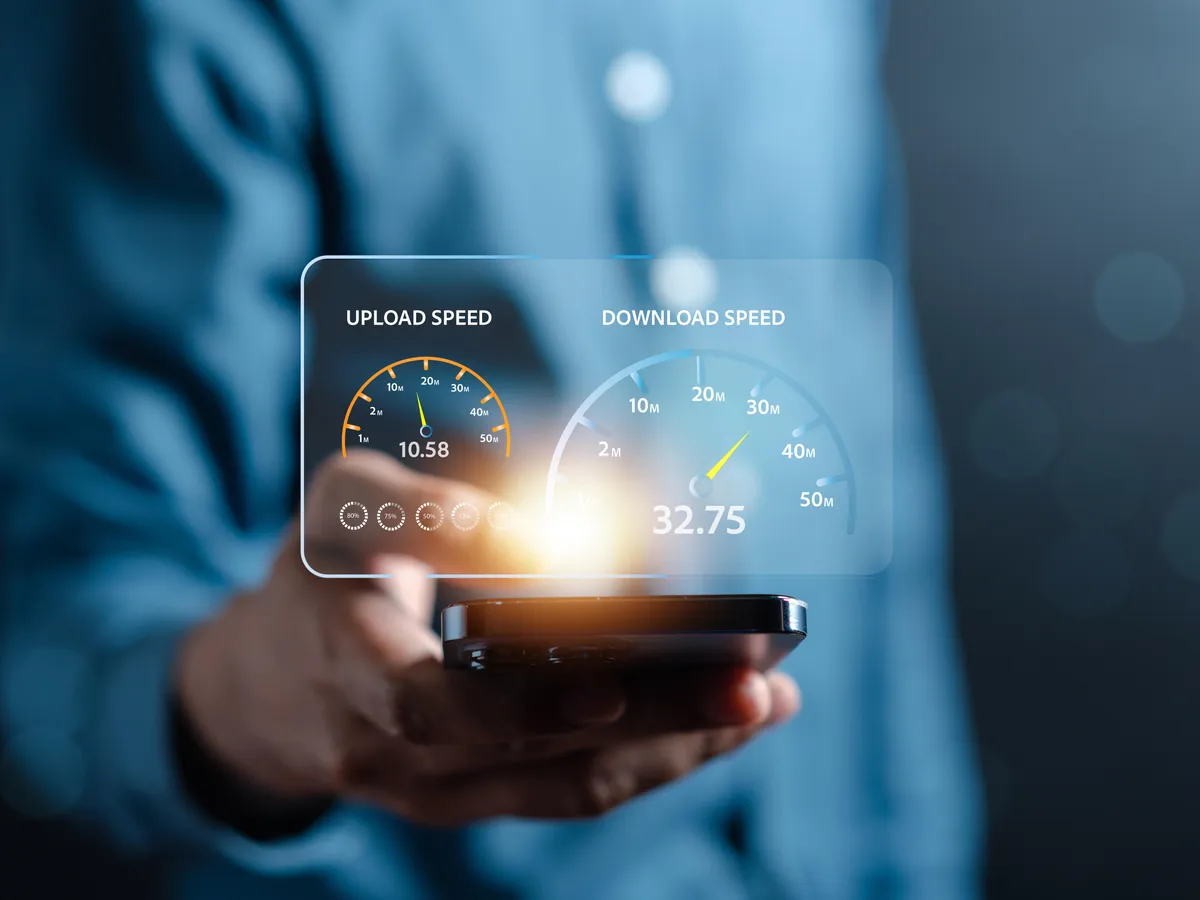
Visit a speed test tool online (like Fast.com or Speedtest.net).
Check your download, upload, and ping rates.
Compare the results with your ISP plan — are you getting what you pay for?
If not, consider:
Restarting your router.
Using an Ethernet connection instead of Wi-Fi.
Contacting your ISP’s support team.
Switching to a faster or more reliable provider.
For consistent results, always perform your speed tests using the same device and network conditions.
💡 How to Change or Improve Your ISP Connection
If you’re unhappy with your current ISP, you can switch providers or optimize your current setup.
To improve your speed and performance:
Upgrade your router or use a mesh Wi-Fi system.
Use a VPN to bypass throttling from your ISP.
Choose an ISP that offers better support and faster servers in your area.
Clear your DNS cache and use faster DNS servers (like Google DNS or Cloudflare).
If you decide to change ISP, always check:
Availability in your region.
Upload and download speeds.
Customer support quality.
Whether they support IPv6 and secure connection protocols.
🖥️ ISPs and Hosting Services
For those managing websites, hosting servers, or developing apps that rely on APIs, choosing the right ISP is essential.
Reliable ISPs ensure low latency, high uptime, and consistent bandwidth — all critical for hosting and business operations.
If you run a Linux server or cloud-based database, make sure your ISP allows inbound traffic and supports static IPs for easier configuration.
🌐 ISP Databases and Lookup Tools
ISPs are registered in global internet databases, such as ARIN, RIPE, and APNIC.
These organizations maintain whois databases that store ownership, location, and routing information for every IP address block.
When you use a tool like WhatsMyIP, it queries these public databases using an API to identify your ISP, region, and other details — without exposing personal data.
🧰 Best Network Tools to Check Your ISP Data
Here are some of the most useful network tools to find and analyze your ISP:
WhatsMyIP (Free Online Tool) – Instantly find your IP address, ISP, and location.
Whois Lookup – Check domain registration and ownership information.
Ping and Traceroute Tools – Test your network speed and connection routes.
IP API Services – Retrieve real-time IP data for apps and servers.
Proxy and VPN Test Tools – Check if your IP is masked or leaking information.
Each of these tools helps you understand how your network communicates and where performance issues may come from.
🧠 FAQ: Common Questions About ISPs
1. Can my ISP see what I do online?
Yes, your ISP can monitor websites you visit and data usage. Using a VPN encrypts this data and hides your activity.
2. What is the difference between my ISP and my IP address?
Your ISP is the company that connects you to the internet, while your IP address is the unique digital identifier assigned by that provider.
3. Can I change my ISP?
Yes, you can. Compare providers in your area and switch if you need faster speed or better privacy support.
4. Why is my internet speed slower than promised?
Network congestion, router problems, or ISP throttling can affect your speed test results.
5. How can I check my ISP information for free?
Simply go to WhatsMyIP and your ISP, IP address, and location will appear instantly.
✅ Conclusion
Your ISP plays a vital role in your online experience, affecting your speed, privacy, and connectivity.
By understanding how your ISP works, testing your connection, and using tools like WhatsMyIP, you can take full control of your internet data and stay secure while browsing.
Whether you’re using a VPN, managing a Linux network, hosting websites, or just checking your IP address, knowing your ISP details helps you make smarter, safer, and faster decisions online.
Oct 8, 2025