



Hide your IP Address with VPN and Proxy Tools
Oct 6, 2025
How to Hide your IP Address with VPN and Proxy Tools
Why Hiding Your IP Address is Important
VPNs: The Most Reliable Way to Hide Your IP
Proxy Servers as an Alternative
How to Hide Your IP on Different Devices:
Best Practices for Hiding Your IP
Advanced Tips for Network Security
Conclusion:
Online Tools to Check Your IP
Protect Your Privacy Online
Enhance Network Security
Access Geo-Restricted Content
Test and Optimize Network Performance
Best VPN Tools to Hide Your IP:
How VPNs Work: ( steps )
Types of Proxy Servers:
When to Use Proxies:
Windows:
Mac:
Android & iPhone:
Linux & Hosting Servers:
Every device connected to the internet has a unique IP address, either IPv4 or IPv6, that identifies it online. Whether you are using a Windows, Mac, Linux, iPhone, or Android device, your IP allows communication with servers, online services, hosting platforms, and network tools. Revealing your public IP can expose your location, ISP, and other device information. To protect your privacy, improve online security, and maintain control over your connection, you can hide your IP using VPNs, proxy servers, and advanced network tools.
This guide explains how to hide your IP address on any device, check your ISP and device data, test your connection speed, and use online tools and APIs to manage your network efficiently.
Hiding your public IP address is crucial for several reasons.
Your IP address links your device to your real-world location. Without hiding it, websites, advertisers, and hackers can track your online activity. Using a VPN or proxy ensures your IP addresses are masked, providing anonymity and enhancing security.
Public IP addresses are visible to the internet. Attackers can exploit them to target your network, devices, or hosting servers. VPNs and proxies add a layer of security for home networks, office routers, and Linux servers.
Many websites and streaming platforms restrict content based on your public IP. Changing your IP using VPNs or proxies allows you to bypass regional restrictions while testing services or using online tools.
Network administrators and developers can use VPNs and proxies to test connectivity, IP lookup, and speed. This is especially useful when managing multiple devices or hosting online applications.
A VPN (Virtual Private Network) redirects your internet connection through a secure server, replacing your real IPv4 or IPv6 address with a new IP. This ensures that your device, ISP information, and router details are hidden. VPNs are essential for using online tools, etc.
ExpressVPN:
NordVPN:
CyberGhost VPN:
Proton VPN:
Fast and secure VPN with a wide server network. Perfect for masking your IPv4 and IPv6 addresses, checking your ISP, and using network tools safely on multiple devices.
A privacy-focused VPN with advanced features like Double VPN and CyberSec. Ideal for online IP lookup, testing connection speed, and securing your device and router.
Optimized for speed and privacy, with dedicated servers for streaming and gaming. Great for IP address masking, checking network tools, and managing multiple devices securely.
Your device connects to a VPN server.
Install a trusted VPN client or configure a proxy server in network settings.
Use system VPN settings or third-party VPN software.
Download a VPN app or configure a manual proxy in network settings.
Using online tools allows you to:
Hiding your IP address is essential for privacy, security, and better online performance. Whether you are managing devices, configuring routers, or using hosting services, VPNs and proxy servers are the most reliable methods to mask your IPv4 or IPv6 addresses.
By using online tools, APIs, network testing software, and lookup services, you can check your ISP, monitor device data, optimize connection speed, and ensure your network works efficiently.
Regularly updating VPNs, proxies, and network configurations allows you to maintain privacy, manage multiple devices safely, and securely interact with hosting platforms and online tools. Understanding your device IP, router info, and network structure ensures that your online activities remain private, protected, and fully functional.
If you want to know more you can visit this article :
https://www.top10vpn.com/es/mejor-vpn/
Examples of online tools: Whats My IP, speed test websites, and IP database services.
Configure OpenVPN, WireGuard, or other VPN solutions for servers.
Use VPNs that support IPv4 and IPv6 to prevent leaks.
The server replaces your public IP with its own.
Verify your IPv4 and IPv6 addresses using online lookup tools.
Check device IP addresses and confirm VPN or proxy masking.
Check your public IP and ISP using online tools or APIs.
Use terminal commands to verify IP changes and routing.
Combine VPN and proxy tools for additional layers of privacy.
Protect all devices in your network—Windows, Mac, Linux, Android, iPhone.
Online services, websites, and network tools detect the VPN’s IP instead of your real IP.
Test your connection speed, ISP information, and network performance using advanced tools.
Ensure all devices connected to the router are covered.
Monitor connection speed and ensure proper device routing.
Test hosting services, Linux devices, and network tools for correct functionality.
Regularly check your IP addresses, ISP info, and router configuration.
Test hosting services and online tools to ensure security and performance.
You can safely check your connection using online tools or APIs for IP lookup, ISP information, and network testing.
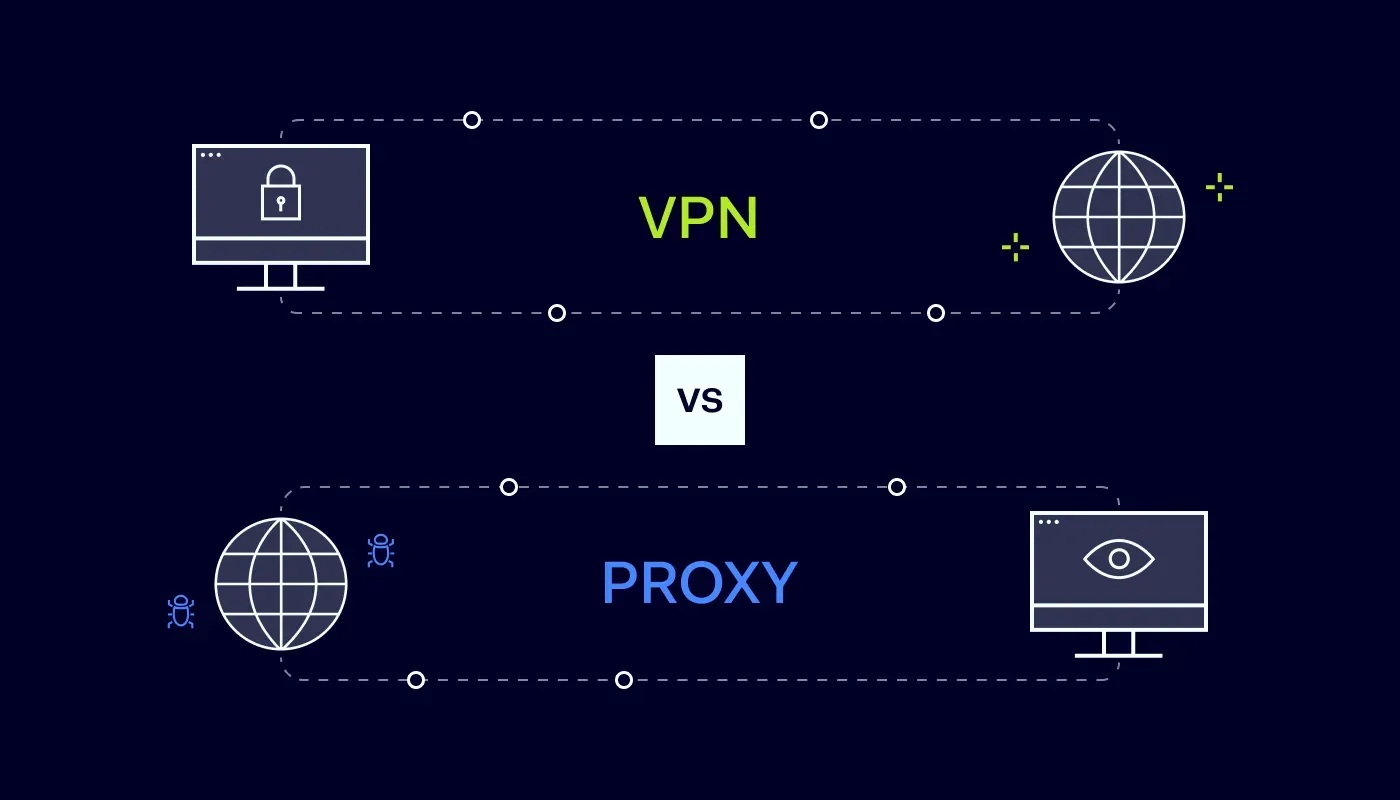
Proxies act as intermediaries between your device and the internet. Unlike VPNs, proxies may not encrypt traffic but can still hide your IP for browsing or testing purposes.
HTTP/HTTPS Proxies: Used for web browsing and online tools.
SOCKS5 Proxies: Advanced protocol, supports games, hosting, and multiple devices.
Anonymous vs Transparent Proxies: Anonymous proxies hide your IP completely, while transparent proxies expose it partially.
Perform IP address lookup to check ISP, location, and device data.
Test network speed, connection quality, and router performance.
Use APIs for developers to monitor devices and network connections efficiently.
Quick IP masking for specific applications or browsers.
SOCKS5 Proxies: Advanced protocol, supports games, hosting, and multiple devices.
Complementing a VPN for layered privacy and security.
A secure VPN with a strict no-logs policy and free tier for testing. Perfect for hiding IPv4/IPv6 addresses, using network APIs, and monitoring ISP and device data.
Lightning-fast global network for uninterrupted streaming and browsing
Supports up to 7 devices at the same time
Over 3,000 servers in 90+ countries for maximum coverage
Advanced encryption and kill-switch for enhanced security
Includes antivirus and other upgrades to enhance security on your device
Available for all operating systems: Windows, Mac, Linux, Android, iOS
Ideal to mask your public IP, manage your router, and check ISP connection
Strong focus on privacy with double VPN and CyberSec features
Large server network with over 5,500 servers worldwide
Allows 6 simultaneous device connections
Specialized servers for streaming, P2P, and high-security tasks
Works on Linux, Windows, Mac, Android, and iOS
Excellent for masking IP addresses, testing network speed, and secure device connections
Optimized for both speed and privacy with over 9,000 servers
Up to 7 devices can connect simultaneously
Dedicated servers for gaming, streaming, and torrenting
45-day money-back guarantee for risk-free testing
Simple setup for all operating systems and routers
Great for IP lookup, checking router settings, and online security tests
Strong focus on security and no-logs policy
Supports up to 10 devices per account
1,700+ servers with high-speed connections for professional use
Free tier available to test network tools, APIs, and connection speed
Works seamlessly on Linux, Windows, Mac, Android, iOS
Perfect for hiding IPv4/IPv6 addresses, testing hosting servers, and managing multiple devices
Use network tools and APIs to track device data, IP changes, and connection speed.
Maintain multiple VPN servers to rotate IPs for hosting and testing purposes.
For corporate networks, configure routers to manage IPv4/IPv6 addressing.
Keep an updated list of proxy and VPN tools that integrate with your devices.
1.
2.
3.
4.
1.
1.
1.
1.
1.
1.
2.
2.
2.
2.
2.
2.
4.
3.
3.
3.
3.
3.
3.
5.
4.